nei.ma| Mail
Reimagined Workspace

Private work with
less theater
and more control.

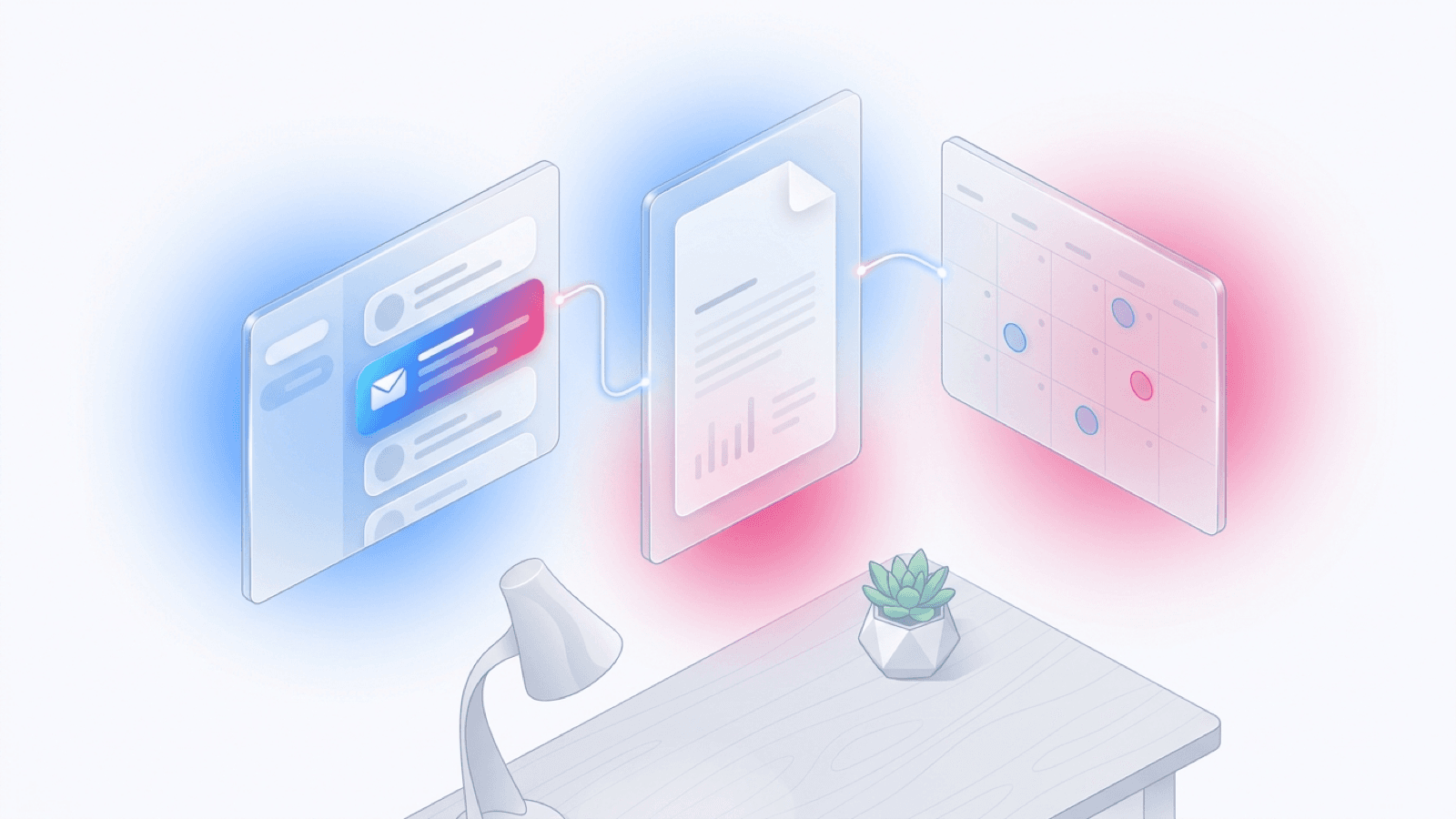
A single-owner workspace that keeps your mail, commitments, notes, search, and recovery in one beautifully focused place.

Today DashboardSmart CalendarLiving DocumentsUniversal Search
Enter Workspace

Setup takes < 60 seconds.

0

Third-party trackers

Yours alone

100%

Single-owner workspace

No tenant leakage

Local-first

AI you can host

Run on your stack

< 60s

Setup time

From clone to inbox

Everything in its right place.

A seamlessly integrated environment designed to remove friction.

Today Dashboard

Mail, events, reminders, and active documents land in one prioritized work queue.

Calendar Commitments

Turn threads into events, track RSVPs, and keep availability visible without lock-in.

Linked Documents

Capture notes, drafts, and references with revision history and links back to mail.

Universal Search

Search across messages, calendar events, documents, labels, and actions instantly.

How it works

Three steps to a calmer inbox.

01

Connect your mailbox

IMAP/SMTP with app passwords. Your credentials stay on your server — never proxied.

02

Let the assistant triage

Smart labels, snoozes, and a Today queue surface what genuinely needs your attention.

03

Work without ceremony

Keyboard-first navigation, linked documents, and a calendar that respects your time.

Software that fades into the work — quiet defaults, sharp edges, and no one renting your attention back to you.

The neimamail principle

Built for the keyboard

Your hands never have to leave home row.

Every primary action has a shortcut. The command palette puts the rest one keystroke away. Designed for the way fluent users actually work.

Command paletteK
Go to inboxGI
TodayGT
Next threadJ
Previous threadK
ArchiveE
SnoozeS
Search/
SendEnter
All shortcuts?

FAQ

Honest answers, no asterisks.

Where does my mail actually live?

On the server you deploy. neimamail is single-owner by design — no shared tenants, no cloud broker for your credentials. IMAP/SMTP connect directly from your instance to your provider.

Is the AI assistant required?

No. AI features are opt-in and route through a provider you configure (OpenAI-compatible). You can run the entire app without AI and still get the inbox, calendar, and documents.

How is this different from a hosted email app?

You own the binary, the database, and the storage. There is no usage tier, no per-seat license, no telemetry. Updates are pulled when you choose to deploy them.

What about recovery if something breaks?

Postgres is the source of truth and IMAP is a mirror. The app re-syncs from the server on reconnect, and built-in scripts can reset or stress-seed environments safely.

Can I theme it?

Yes. Clear, Obsidian, and Legacy themes ship by default, and every token (color, radius, stroke, elevation) is a CSS variable you can override per theme.

Mobile?

The interface is responsive and installable as a PWA. The focus is desktop keyboard workflows, but the layout adapts to touch.

Single-owner workspace

Built for the way you actually think.

No subscriptions, no upsells, no dark patterns. Just a meticulously crafted interface that respects your attention and keeps context securely in your hands.